Libraries lend a lot more than books. Laptops, Wi-Fi hotspots, projectors, musical instruments, camping gear, sewing machines, telescopes. The list grows every year. But most library systems treat these items as an afterthought, forcing staff to manage equipment lending through spreadsheets, calendar apps, or sheer memory.
ERMLib v2.8 introduces a dedicated equipment management module that brings the same structure and automation to non-traditional lending that libraries expect for their book collections.
Reservation System
Unlike books that patrons borrow on the spot, equipment often needs advance reservation. The new reservation system lets patrons browse available equipment in the catalog, select a pickup date and return date, and submit a reservation request. Staff can approve, modify, or decline requests based on availability and eligibility.
The system enforces configurable rules:
- Maximum reservation duration: Set per item type. A laptop might allow 7-day reservations while a projector allows 3 days.
- Advance booking window: Patrons can reserve up to 30 days ahead (configurable per item type).
- Eligibility requirements: Restrict certain equipment to patrons who have completed a training session, hold a specific card type, or meet other criteria.
Maintenance Tracking
Equipment has a maintenance lifecycle that books do not. Laptops need software updates. Hotspots need SIM card replacements. Instruments need tuning. The maintenance tracker lets staff log maintenance events, schedule recurring maintenance, and automatically pull items from circulation when maintenance is due.
When an item enters maintenance status, the system:
- Blocks new reservations for that item.
- Notifies patrons with pending reservations and offers alternatives.
- Logs the maintenance event with date, type, and notes.
- Returns the item to available status when staff marks maintenance as complete.
Condition Reporting
Staff can now record the condition of equipment at checkout and checkin using a structured form. This creates a documented history of each item's physical state, which is essential for managing damage claims and replacement planning.
The condition form is customizable per item type. A laptop might track screen condition, keyboard functionality, and charger presence. A telescope might track lens condition, tripod stability, and case completeness.
Patron-Facing Experience
In the catalog, equipment items display differently from traditional materials. Patrons see:
- Current availability and next available date if reserved.
- Reservation calendar showing open slots.
- Equipment specifications and included accessories.
- Any prerequisites like training requirements.
This information reduces staff inquiries and helps patrons plan their visits.
Integration With Existing Workflows
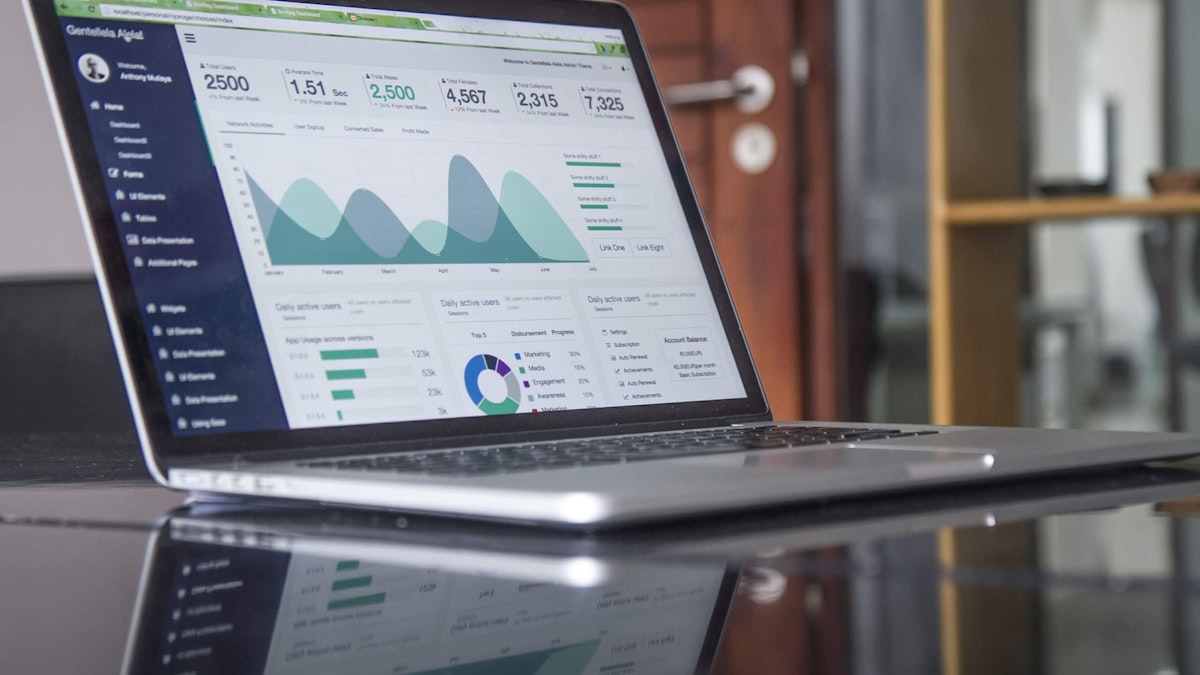
Equipment management is fully integrated with ERMLib's circulation, notification, and reporting systems. Overdue equipment triggers the same escalation workflows as overdue books. Reservation confirmations go through the notification engine. Equipment usage statistics appear in the reporting dashboard alongside traditional circulation data.
Available Now
The equipment management module is included in Professional and Enterprise plans at no additional cost. Essentials plan customers can add it as an optional module. Check the documentation for setup instructions and best practices for migrating existing equipment records from spreadsheets.