ErmRoom · University libraries
Study space and equipment booking for a campus library at exam-season load
ErmRoom runs the bookable spaces of a university library (group rooms, silent pods, media suites, laptops and cameras) on one real-time calendar with student self-service, check-in to release no-shows, recurring bookings for seminars, and approval workflows for departments. Utilisation analytics tell the library and estates which spaces are worth their square metres.
What breaks in a campus library during the busy weeks
-
Rooms are booked and empty
In exam season every group room shows as taken from nine to five and half of them are empty at any moment, because bookings were made just in case. Check-in with a grace period releases the room to the next student in the queue.
-
The same room is on three calendars
The seminar room is in the department's Outlook calendar, the library's booking sheet and the timetabling system, and none of them agree. One calendar per room, with the timetable feed as a source, ends the double booking.
-
Equipment loans are a paper ledger
Laptops, cameras and calculators are signed out on a clipboard, and nobody knows what is overdue until a student complains it is not there. Bookable equipment with due times and reminders makes the ledger a screen.
-
Estates asks for utilisation and the library has anecdotes
When a refurbishment is planned, the question is how the current space is actually used by hour, day and week. Booking and check-in data, reported by room type, answers it.
Data protection: GDPR and UK GDPR
- Controller and processor
- For patron, staff and user records your institution is the controller and ERMLib the processor. The subscription agreement contains the processor terms Article 28 requires: purpose, instructions, sub-processors, deletion at the end of the contract.
- Rights requests
- Access, rectification, erasure and portability requests are answered from the platform: records are searchable per person and exportable in standard formats, so the one-month deadline is workable.
- Retention and deletion
- Retention periods are agreed per record type in the processing agreement. At the end of a subscription you keep read-only access for 90 days to export everything; after that the data is deleted.
- Access and accountability
- Staff sign in through your identity provider (LDAP, SAML 2.0, Shibboleth, OIDC), access is role-based, and changes to licences and records are attributable to a named account.
- International transfers
- The hosting region is stated in your agreement. Where data leaves the UK or the EEA, the transfer relies on an adequacy decision or standard contractual clauses, and that basis is documented for your records.
- Student and researcher records
- Patron records carry academic status and course membership. Keep the lawful basis documented (public task for state universities, contract or legitimate interests elsewhere) and store only what circulation and licensing need.
This section explains how the platform supports your obligations. It is not legal advice; your data protection officer decides what applies to your institution.
Why ErmRoom suits a university library
A campus library has more kinds of bookable thing than most buildings: rooms that must be bookable by any student, rooms reserved for postgraduates, media suites that need an induction, seminar rooms departments can reserve for a whole semester, and equipment that leaves the building. ErmRoom models each as a resource with its own rules (who may book, for how long, how far ahead, whether approval is needed) so the policy lives in the system rather than in a notice on the door.
Students book with the university account they already have, through the library website or the student app, and get confirmations and reminders automatically. Check-in on arrival, by tapping a card or scanning a code, is what makes the calendar honest: a booking that is not checked in within the grace period is released, and the student who was waiting gets the room.
Recurring reservations and approval workflows handle the academic side: a department books a seminar room for every Tuesday of the semester in one request, the library approves it once, and the exceptions (reading week, exam period) are set on the room's calendar. Utilisation analytics by room type, hour and faculty go to the library management team and to estates in the reports a space review already uses.
How a campus rollout runs
-
1
Discovery
We walk the buildings with the library team, list every bookable room and item with its rules, and agree how timetabled teaching and departmental bookings will feed the calendar.
-
2
Setup and integration
Rooms, equipment, rules and semester dates are loaded, sign-in is connected to the university's identity provider, the timetable feed is tested, and check-in points are set up at the rooms that need them.
-
3
Go-live and support
Front-desk staff learn approvals, walk-ups and equipment loans; students book from day one. Setup, integration, training and maintenance are included, with support through the first exam season.
Questions University libraries ask
Can we limit how many hours a student books per week?
Yes. Each room type carries booking rules (maximum duration per booking, maximum bookings per day or week, how far ahead a booking can be made, and which user groups may book) and the rules can differ between undergraduate group rooms and postgraduate research carrels. Rules are enforced at booking time, so students see only what they are allowed to reserve.
How does check-in work?
A booking can require check-in within a grace period you set, by scanning a code at the room, tapping a student card at a reader, or confirming from the booking email. If nobody checks in, the room is released to walk-ups and the no-show is recorded against the account; repeated no-shows can reduce a student's booking allowance automatically under a policy you define.
Does it integrate with our timetabling system?
Timetabled teaching can be fed into room calendars so that a seminar room used for classes is not offered to students during those slots, and departmental bookings can be made as recurring reservations with a single approval. Where the timetabling system exposes an iCal feed or an API, the integration uses it; otherwise semester teaching is loaded as recurring bookings.
Can equipment be booked with a room?
A booking can include the equipment it needs (a projector, a camera, an accessibility kit) and each item has its own availability and loan rules, including due times and reminders for items that leave the building. Overdue items are visible to the desk, and the ledger the library used to keep on paper becomes a report.
What does estates get from it?
Utilisation by room type, hour, day of week and faculty, together with no-show and turnaway rates: the difference between booked and actually used, and demand that could not be met. Reports are scheduled to the library management team and to estates and exported to PDF or Excel in the format a space review already uses.
How long does it take to roll out across several campus libraries?
The work scales with the number of room types and rules rather than the number of rooms, so a multi-library campus with consistent policies goes live in weeks once the room list is agreed. The discovery walk-through is where the time goes, because it is where each site's informal rules are written down for the first time and reconciled.
Explore further
University libraries
From the updates

Case Study: NYU Libraries Streamlines Interlibrary Loan with ERMLib
NYU Libraries cut interlibrary loan times by 45% and automated routine ILL workflows by integrating ERMLib with their campus resource-sharing network.
ERMLib Team 3 min read
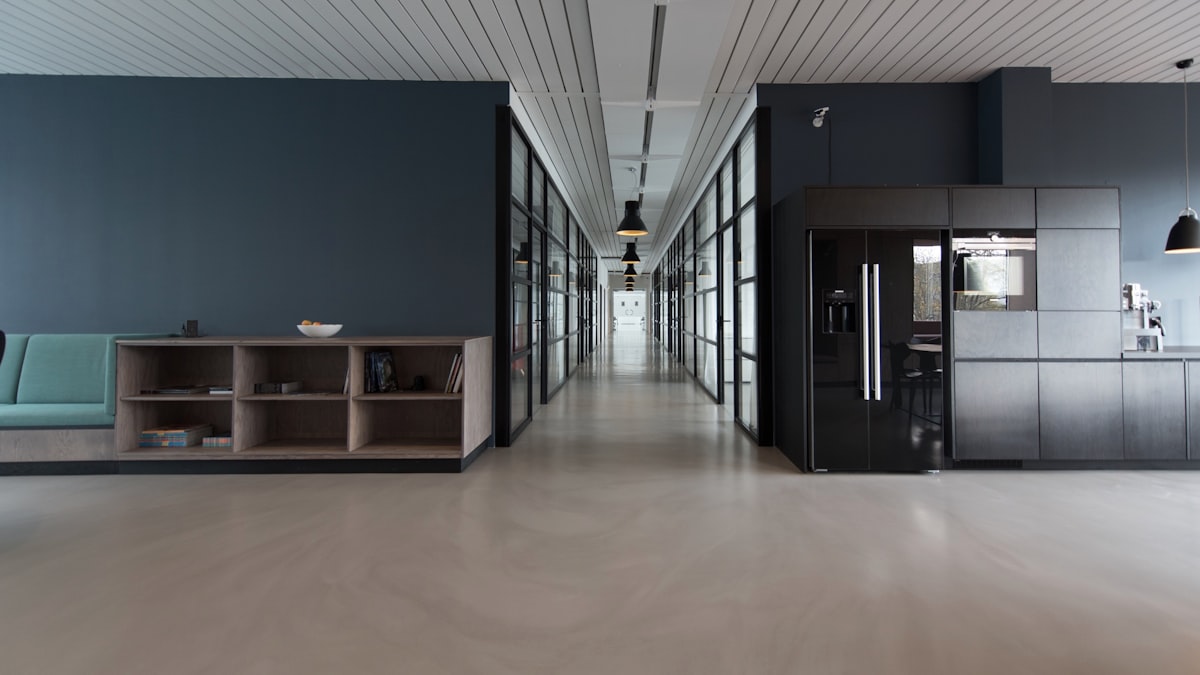
Optimizing Room Bookings: Getting More From Your Library Spaces
Practical strategies for managing study room and event space bookings, reducing no-shows, and using occupancy data to guide space planning decisions.
ERMLib Team 3 min read
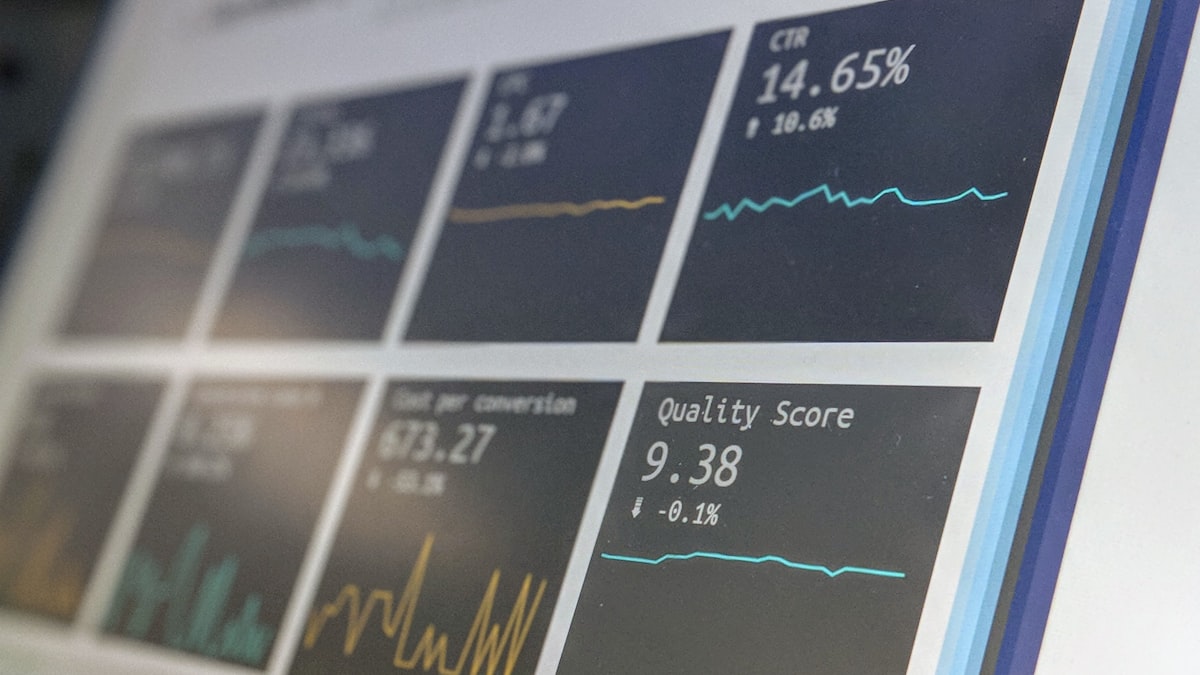
The Future of Research Libraries in an AI-First World
Research libraries face a pivotal moment as AI reshapes how knowledge is created, organized, and accessed. Here is what the next decade might look like.
ERMLib Team 3 min read
How ERMLib compares
Side-by-side pages for the systems you are probably evaluating.
See ErmRoom on your own data
Tell us what University libraries need to manage and we come back with a written proposal: scope, rollout and pricing for your institution.
Request a proposal