ErmRoom · Corporate research teams
Booking focus rooms, interview suites and research equipment for a corporate research team
ErmRoom gives a corporate research or knowledge team one calendar for the spaces and equipment it shares: focus rooms, interview and usability suites, recording and testing equipment, and seat-limited software. Bookings run through the company's single sign-on, approvals follow the team's rules, and utilisation reports give facilities the evidence for the next floor plan.
What a research team loses to booking friction
-
The interview suite is booked in three calendars
The user research team, the market research team and the facilities desk each keep a calendar for the same room. One calendar with one owner ends the clashes and the arguments.
-
Recording equipment walks
Cameras, eye trackers and audio kits are borrowed and not returned. Checkout with a return date and a reminder keeps the kit findable.
-
Seat-limited tools are a queue in a chat
Ten seats of a transcription or analysis tool are shared by asking in a channel. Booking a seat like a room makes the queue visible and fair.
-
Facilities has no data for the workplace review
When the office is redesigned, nobody knows how the research rooms are used. Utilisation by room, hour and team is the input the workplace team needs.
Data protection: GDPR and UK GDPR
- Controller and processor
- For patron, staff and user records your institution is the controller and ERMLib the processor. The subscription agreement contains the processor terms Article 28 requires: purpose, instructions, sub-processors, deletion at the end of the contract.
- Rights requests
- Access, rectification, erasure and portability requests are answered from the platform: records are searchable per person and exportable in standard formats, so the one-month deadline is workable.
- Retention and deletion
- Retention periods are agreed per record type in the processing agreement. At the end of a subscription you keep read-only access for 90 days to export everything; after that the data is deleted.
- Access and accountability
- Staff sign in through your identity provider (LDAP, SAML 2.0, Shibboleth, OIDC), access is role-based, and changes to licences and records are attributable to a named account.
- International transfers
- The hosting region is stated in your agreement. Where data leaves the UK or the EEA, the transfer relies on an adequacy decision or standard contractual clauses, and that basis is documented for your records.
- Commercial confidentiality
- Licence terms, prices and renewal dates are commercially sensitive. Role-based access keeps them to the procurement and research leads who need them, and every change is attributable to a named user.
This section explains how the platform supports your obligations. It is not legal advice; your data protection officer decides what applies to your institution.
Why ErmRoom fits a corporate research team
ErmRoom is a booking system for anything shared, which in a corporate research team means rooms, suites, equipment and even seats on tools. Each resource has rules (who may book, how long, whether a manager approves, whether a setup gap is needed) and a real-time calendar. The company calendar integration puts the booking in the researcher's diary and the participant invitation in the suite's.
Equipment is booked with checkout and return, a condition note and a reminder. Kits are defined as sets so booking a usability session reserves the eye tracker, the camera and the consent forms together. Seat-limited software is a resource with concurrent seats, so a researcher books a seat for the afternoon and the tool is not oversubscribed.
Everything runs behind the company's identity provider, in a dedicated tenant, with the data residency the company requires. Utilisation by room, team, hour and day is reported for facilities and for the research operations lead, and exported to the workplace team's own tools when a floor plan or a lease is under review.
How booking rolls out in a company
-
1
Discovery
We list the rooms, suites, equipment and seat-limited tools the team shares, capture the rules for each with the research operations lead and facilities, and agree the identity and calendar integrations with IT.
-
2
Setup and migration
Resources, rules and kits are loaded, calendar and single sign-on integrations are tested with a pilot team, and existing recurring bookings carry over.
-
3
Go-live and support
The team books from day one, facilities gets its dashboard, and reports run monthly. Setup, training and maintenance are included in the subscription.
Questions Corporate research teams ask
Does it work with our company calendar?
Yes. Bookings are written to the booker's calendar and to the room's calendar in Microsoft 365 or Google Workspace, and a booking made from the company calendar is reflected in ErmRoom, so the two never disagree. Participant invitations for a research session can be sent from the booking with the room and the equipment attached.
Can bookings be limited to certain teams or roles?
Each resource has an access rule: any employee, named teams, named roles, or approval by the resource owner. An interview suite can be open to the research teams and approval-only for everyone else. Entitlements come from the company identity provider's groups, so a change in the directory changes the rule.
How do we book seats on a tool that has a concurrent licence?
The tool is defined as a resource with the number of concurrent seats from the licence. A researcher books a seat for a period, the calendar shows when seats are free, and the booking is released when the period ends. Seat usage is reported alongside room usage, and the licence itself is tracked in the ERM register.
Can equipment be checked out and returned?
Yes. Equipment and kits are booked with a checkout and a return step, a return date and a condition note, and overdue items are chased automatically. A kit can be a set (camera, tripod, microphone, consent forms) so one booking reserves everything a session needs.
Where does the data live?
In a dedicated tenant in the region the company specifies, behind the company's identity provider, with encryption in transit and at rest. Booking data carries names, teams and times; participant details for research sessions are not stored unless the team chooses to add them, and can be excluded by policy.
What does facilities get from it?
Utilisation by room, suite, team, hour and day, booked versus used time, and no-show rates, exported to the workplace team's tools. Facilities can block rooms for maintenance and see the impact, and the reports feed floor plan and lease decisions with evidence rather than anecdote.
Explore further
Corporate research teams
- All solutions for Corporate research teams
- Subscription and licence visibility for corporate research, legal and intelligence teams
- Method guides, source briefings and analyst onboarding for a corporate research team
- A knowledge portal for a corporate research team, inside the company's single sign-on
ErmRoom for other teams
From the updates
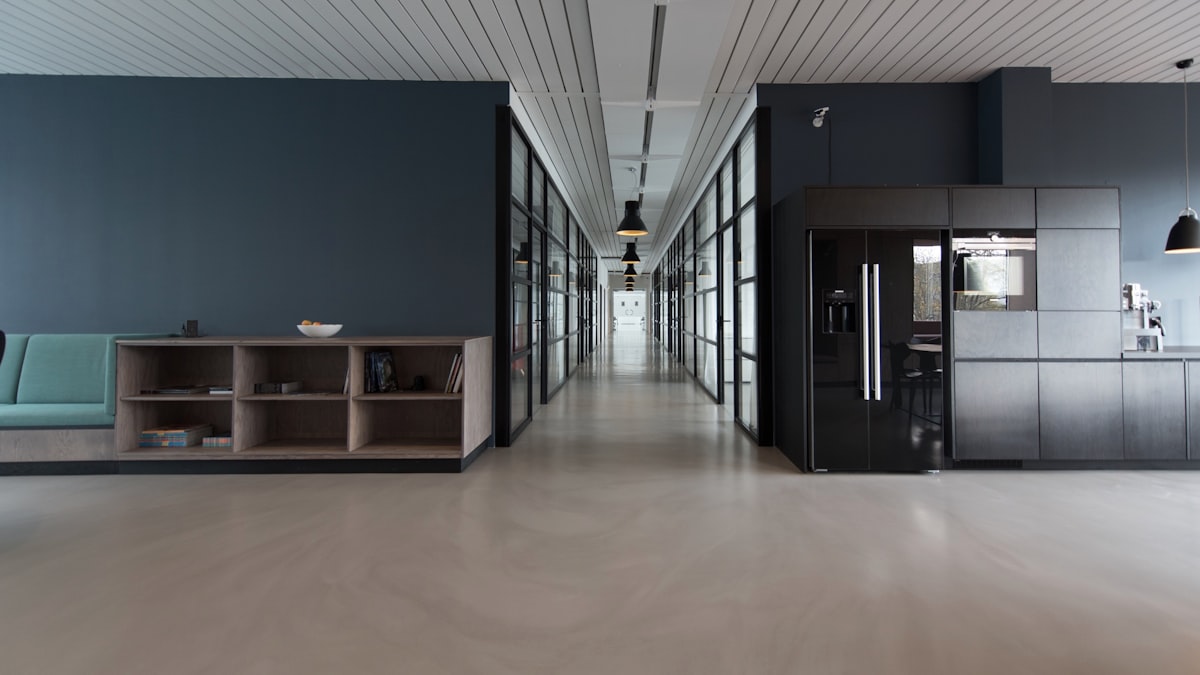
Optimizing Room Bookings: Getting More From Your Library Spaces
Practical strategies for managing study room and event space bookings, reducing no-shows, and using occupancy data to guide space planning decisions.
ERMLib Team 3 min read
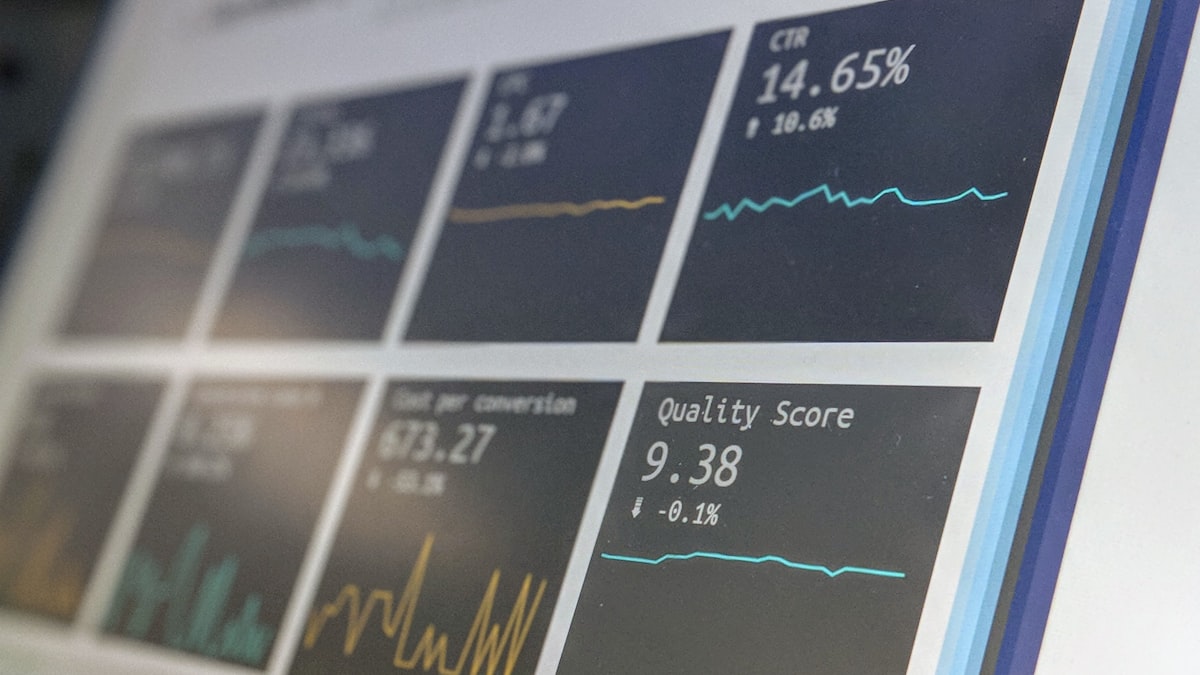
The Future of Research Libraries in an AI-First World
Research libraries face a pivotal moment as AI reshapes how knowledge is created, organized, and accessed. Here is what the next decade might look like.
ERMLib Team 3 min read
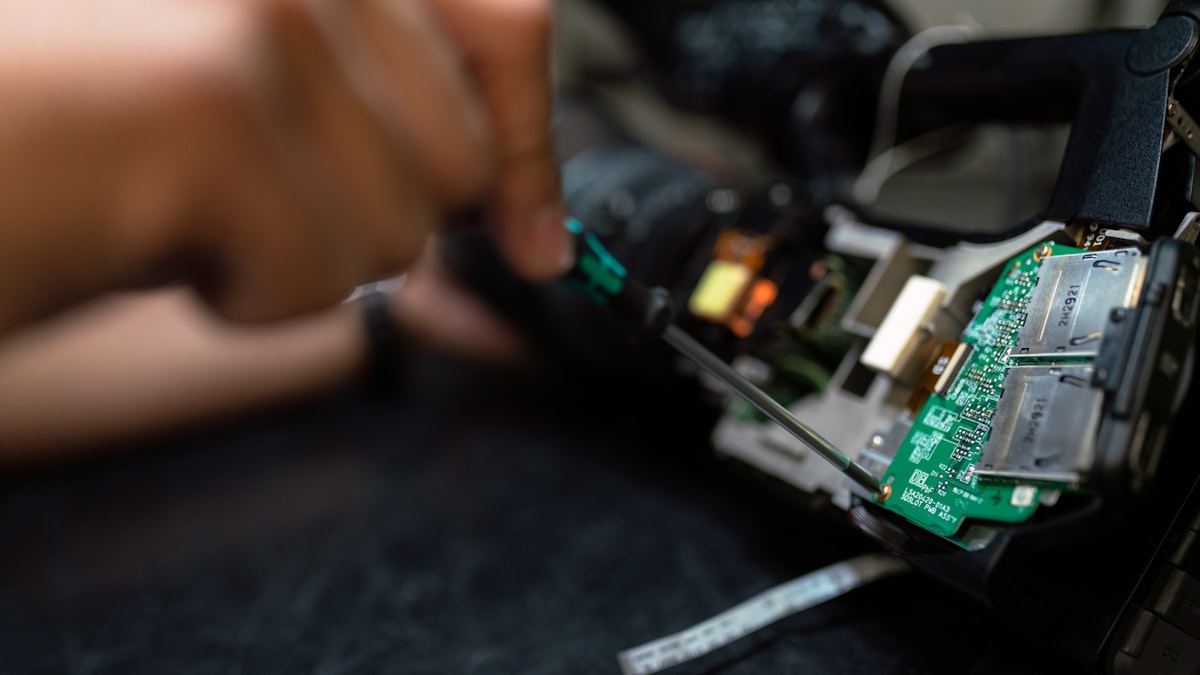
ERMLib v2.8: Equipment and Non-Traditional Item Management
Laptops, hotspots, projectors, telescopes. ERMLib now manages equipment lending with reservations, maintenance tracking, and condition reporting.
ERMLib Team 3 min read
How ERMLib compares
Side-by-side pages for the systems you are probably evaluating.
See ErmRoom on your own data
Tell us what Corporate research teams need to manage and we come back with a written proposal: scope, rollout and pricing for your institution.
Request a proposal